|
Next is the main display of the MODI building. I designed that part years ago and decided at that time to use a Raspberry Pi to drive the (relatively larger) 240x320 2.2” display. The advantage of using a Raspberry Pi is that they are much more powerful than microcontrollers like Arduinos. They can play mp4 / h.264 video at 30fps using very standard software. However, so far, I have avoided them in buildings because, as they are “full-fledged computers” running Linux, they need to be properly shut down before cutting the power off. This is annoying. On the layout, I have a main on-off switch and I want to be able to switch the power off at any time. I have quickly tested an ESP32-based Arduino with that same display and I managed to make it work at 12fps (using the jpegdec library). The difference with 30fps is really noticeable. In addition, I’d have to add an external SD card module to store the video. So I came back to the Raspberry Pi and found a solution to the shutdown issue: Make a Read-Only Raspberry Pi with the new Raspberry Pi Overlay File System. Read the details here: https://learn.adafruit.com/read-only-raspberry-pi/overview Recent Raspberry Pi OS releases have an option to put the /boot partition (where the kernel image and other critical files reside) in a read-only mode. If software installed on this system only performs reading and playback operations, then we can just unplug the system when done without risk of corrupting the operating system’s files on the SD card. This is exactly what I need here. This is a description of the setup I use in the MODI building
The Raspberry Pi (and the display) are powered by a local step-down DC-DC Buck Converter (https://www.aliexpress.com/item/1005007494413893.html), which provides a stable 5V power supply from the layout’s 12V supply. Fitting the display to the frame of the building is a challenge. I have unglued the display from its control PCB (red in the photo below), but the flat cable connecting both is short and fragile. The display can only be placed a few millimetres (less than 10) from the PCB. I made rough 3D models of the display and its control PCB so that I could design a suitable slot for a display in the building’s frame. The control PCB is glued right behind the display, and the Raspberry Pi is attached to the other side of the building.
0 Comments
First test of the 3D print. It's raw (bare resin, not primed or painted), but this is meant to check the position of the displays, and how the modules fit together. I have used the Elegoo 8K ABS-Like Resin V3.
The main display is not connected yet, but the six displays in the arches of the lobby look impressive! Significant progress on the design of the MODI building. I have designed a controller for the six displays that will be in the arches of the building’s lobby. The six screens will display the same video (as in the prototype). They are all connected to an ESP32-S3 module, a microcontroller able to uncompress low resolution mjpeg (motion jpeg) video in real-time. In this project, I have stored two minutes of 40 x 72 pixels, RGB, 30 fps video in the ESP32’s 3MB flash memory (that’s just 3MB, not 3GB :-)). The project does not require any external memory. This is the first time I design a controller board for TFT LCD displays. Although I have their datasheet (see previous posts), it took me some time to understand how to use them and figure out the different voltages required to power them. The PCBA has been manufactured by jlcpcb.com, and I always appreciate their assistance. Next step is to 3D print the foundations and the lobby of the building. Stay tuned!
Another ongoing project: redoing the eastern side of the elevated track loop. I call it "Eastern loop". While watching videos of the new JR Shikoku Matsuyama station (JR四国の松山駅) that opened in 2024, I got inspired by the construction of the ballast-less slab tracks, still using prestressed concrete sleepers, and decided to reproduce it. This is the 3D model in Autodesk Fusion, including the signals, but excluding the tracks which will be Prestressed Concrete Sleeper Flexible Track (808mm) (Kato 21-001). These are the first photos of the construction. The modules have been primed with Mr Finishing Surfacer 1500 Gray, then airbrushed with Tamiya - XF2 Flat White 72 drops + XF20 Medium Grey 4 drops + XF66 Light Grey 4 drops. This is where the modules will fit on the layout: The catenary poles and signals have been 3D-printed in one piece, then primed and airbrushed with Tamiya XF16 Flat Aluminum and XF1 Flat Black for the signals. The rails have been painted using Asahipen water-based paint markers (coffee brown) and the sleepers have been airbrushed with Tamiya XF2 Flat White + XF55 Deck Tan
This is how the six displays will fit inside the pillars: To be continued...
The plan is to replace Kato's 23-437 OIOI building 😢 because at that location I need two corners and Kato's large buildings are too ... large. I googled around and decided to model two buildings after 1. MODI in Shibuya 渋谷モディ(because I like the modern design and the giant screen) and 2. Takashimaya Nihombashi Store 高島屋日本橋店 (because of the red awnings). At the end of last year, I took dozen of photos on location and built rough paper mockups to check if I was getting used to these two buildings on the layout. I am happy with the result, and a couple of weeks ago I started the 3D design of the MODI building. As usual, I am using Autodesk Fusion 360 as I have a free non-commercial license. I plan to 3D print it in several parts. That's the lobby: And the top floors: I am also experimenting with the giant screen. I can fit a 2.2" TFT LCD panel connected to a Raspberry Pi Zero W. The prototype display is curved, though, and I am also looking for an AMOLED display that I could bend. Unfortunately so far I have not found any of the right size.
To be continued... I'm detailing the interior of my Kato 10-1661 E261系 Saphir Odoriko using stickers from N-Goya (Imaging Lab Hamamatsu), エヌ小屋(イメージングラボ浜松) part number 10136. This is my first experience with the interior stickers from that brand and I am genuinely impressed.
The manual says "don't try to make more than one car per day", and this is right. It's a labor of love, but I really like the result. I made Car #1 yesterday, and Car #2 today. Luckily, I only have a four-car set 😀! Car #1 - Kuro E260-2 Green Car - クロE260-2 Car #2 - Moro E260-102 Green Car - モロE260-102
I have purchased a second Yamanote E235 (Kato 10-1468) for the purpose of testing various improvements such as energy storage, interior lights, interior stickers or figures. I was in Tokyo in November 2022 and took these four photos at Shinjuku station: I am not a gamer but I like anime art and I decided to reproduce these posters on my N-gauge layout. There are ten ads, shaped vertically (680 x 1765mm). They have been displayed on a total of ten E235系 Yamanote line formations in October-November 2022. This is a promotion of the anime scheduled to start a new broadcast on TV Tokyo in October. The Arknights wrapping itself has been carried out many times, and this time the size is vertical. Two ads on both sides of the two central doors, on both sides of the cars (source: https://ameblo.jp/2c850kawasaki/entry-12772807187.html) I started by remaking the posters in my preferred drawing program (Affinity Designer) from different pictures gathered from the web, particularly the Arknights Fandom site. The miniature posters have been printed on inkjet vinyl stickers (crafters choice White Printable Adhesive Vinyl Sheets) then coated with several layers of high-gloss clear finish. I have also fitted the four cars of the train with YFS-Figure 005-01 interior stickers and figures from the same company. This is a summary video These past days, I have been trying to find way to make more realistic trees. The photos below show my latest attempt. This tree has been made using 0.29mm (AWG29) copper wire. Step 1 Cut 15 300mm wires, fold them in two, twist the wires from the base to make the trunk, split the wires and two groups, twist more and so on in order to reproduce the general shape of a large tree. Step 2 Cover the wires with flex paste (I have used C1205 from Woodland Scenics), and allow it to dry. woodlandscenics.woodlandscenics.com/show/item/C1205 Step 3 Paint using different shades of brown Step 4 Add synthetic fiber such as Woodland Scenics FP178 Poly Fiber Green. woodlandscenics.woodlandscenics.com/show/item/FP178 Step 5
Sprinkle leaves. Here I have used a mix of different colours from the Noch 07168 Autumn Leaf Foliage Set. www.noch.com/autumn-leaf-foliage-set/07168/ Today, I tested the Modellbahn Union J00002, 8-way DCC switch decoder WD8K for two-pole switch drives with screw terminals.
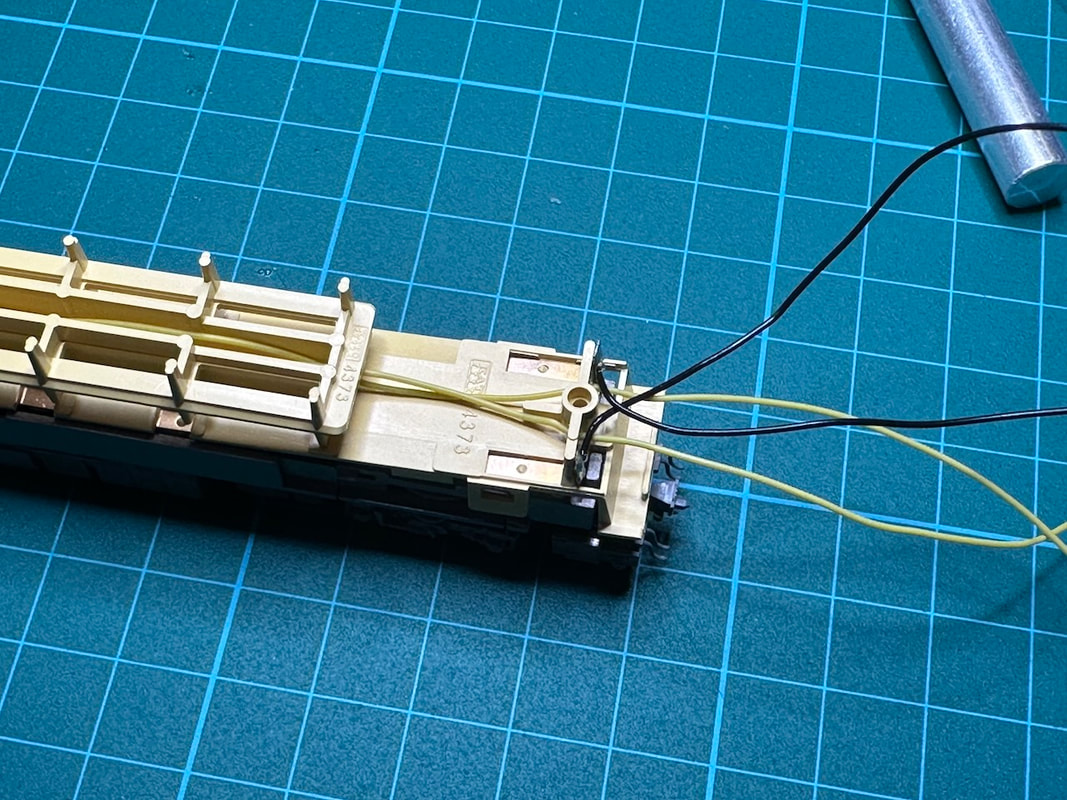
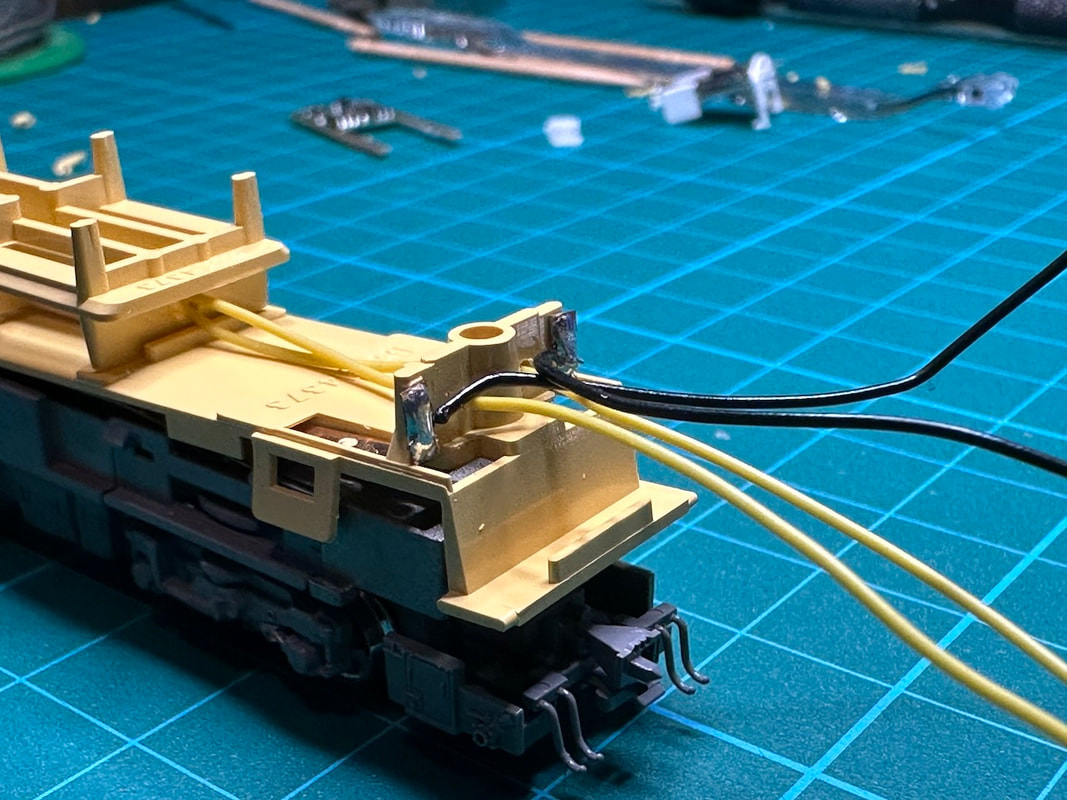
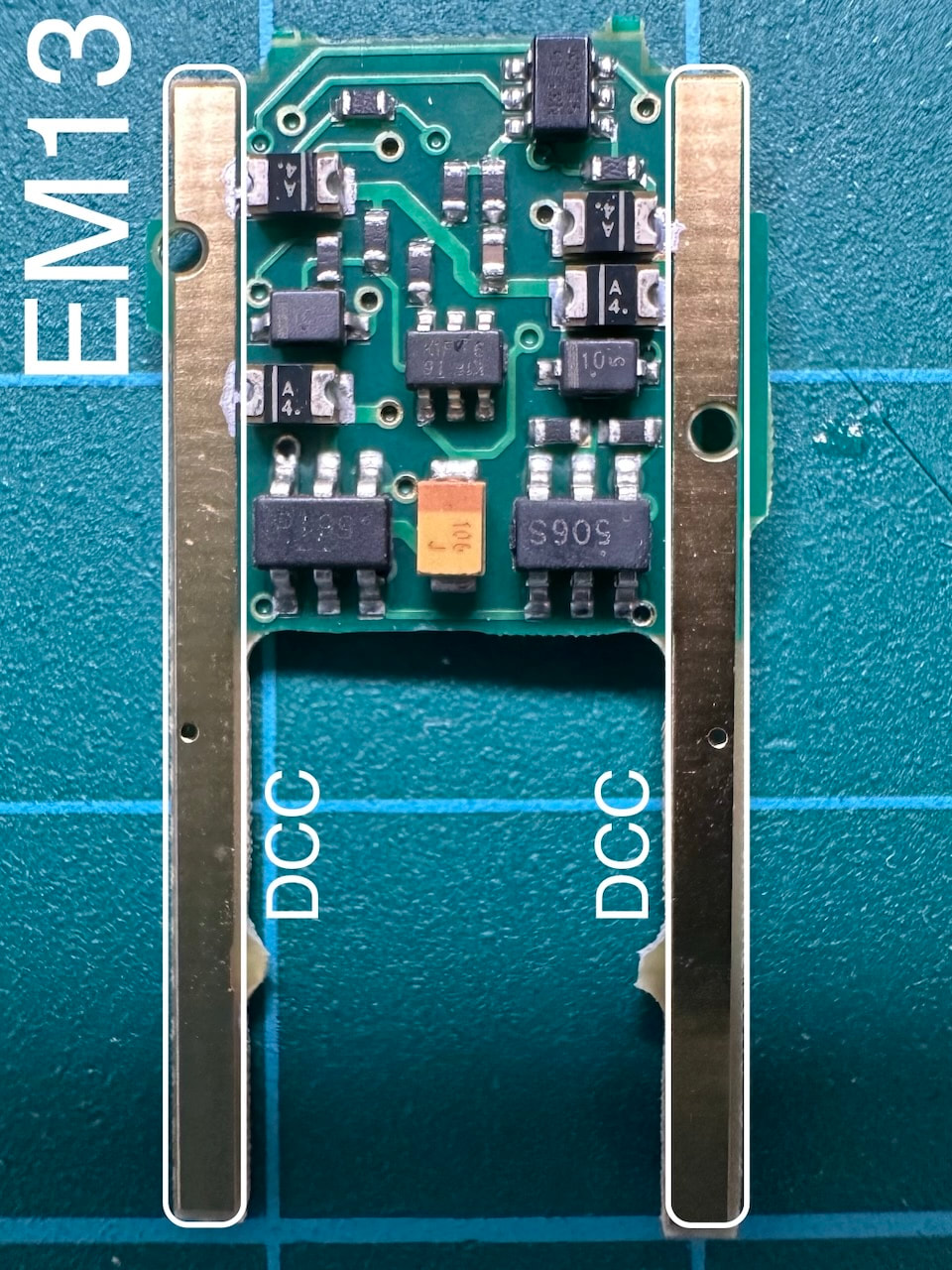
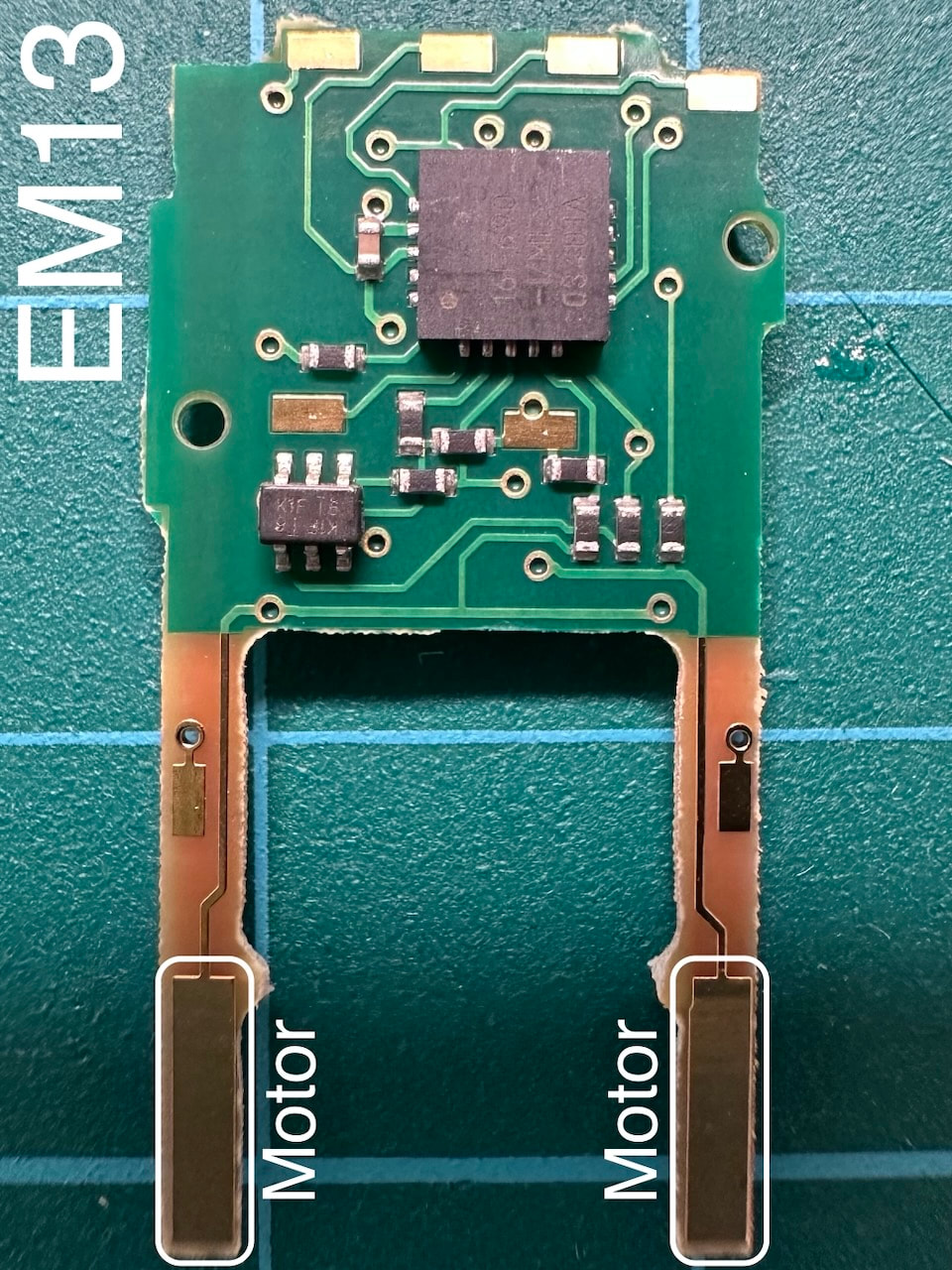
www.modellbahnunion.com/HO-gauge/8-way-DCC-switch-decoder-WD8K-for-two-pole-switch-drives-with-screw-terminals.htm It performed very well with my Z21 and Tomix switches. The operation is reliable and smooth. The PCB is very compact and allows to connect eight switches. A few years ago, I purchased this kit from World Kougei プラシリーズ Nゲージ TMC400A モーターカー 組立キット world-kougei.com/SHOP/6044380.html It's a mixed ABS resin / photo-etched parts kit. It didn't look too difficult to assemble. I started by doing some research about the prototype and found quite a number of photos and videos online. I was immediately attracted by the Totetsu white/yellow/grey livery, photos are available here: mcdb.sub.jp/forums/topic/fhi_tmc400a_43_東鉄_4012/ I also found a video showing operation with two locomotives, and several sets of headlights and alert lights flashing. I decided to try to reproduce that scene. That's what the kit looks like. I started by applying an undercoat of Tamiya 87044 Fine Surface Primer for plastic and metal (white), on the photo-etched and resin parts. That seemed to give a good result, but as I will describe later, during the assembly the paint started to peel off from the photo-etched parts. That has been a huge issue. I usually use Tamiya 87061 Metal Primer, which works very well, I should have sticked to this one for this project too. Gluing the parts was supposed to be easy, but proved very difficult at first. I tried Tamiya 87182 Extra Thin Cement, which didn't work at all. Of course the Tamiya Craft Bond works but it is very thick, very slow to dry and not very strong. I ended up using standard CA glue, which works well but is too fast, no time to adjust the parts... Next time I will try Tamiya 87137 Cement for ABS. Painting white and grey worked quite well. I then looked for the perfect yellow for the project. I tried AK11046 Radiant Yellow, AK11047 Lemon Yellow and AK11049 Fluorescent Yellow from AK-Interactive. These bottles include dispensers and the paint is ready to use with a brush or airbrush. I decided to go with AK11047 Lemon Yellow. I cut, weathered and pasted small rectangles of AE03 Metal plate anti-slip 90 for the sides. www.finemolds.co.jp/www/list/listetc.htm That was not too difficult to make and this is a nice improvement to the model. However, this made attaching the side fences much more difficult as I had to drill new holes for them. I then started to experiment with LEDs for the various headlights. The plan was to make a small DCC decoder with 5 LED outputs, and connected the LEDs to it. 0402 Warm White LEDs for the head and tail main lights. 0201 White LEDs for the side lights. Various 0402 orange LEDs for the alert lights. I installed a total of 12 LEDs, and ended up with an unmanageable web of wires... impossible to solder to the DCC decoder. I then decided to make another PCB just to manage the connection to the LEDs. That proved a good idea, but the whole thing is still very difficult to assemble and very fragile. Not recommended. This is a photo of the EM13 decoder connected to the motor. Anyway, I pushed through and made it work. So I now have 3 PCBs in this tiny cabin. The EM13 for the motor, the self-made DCC decoder for the lights, and another PCB right below the roof for connecting the LEDs. That's very difficult to manage. As I fell in love with that locomotive, I am now planning to redo it (next month, next year, or next life). - The motor decoder is not necessary, the locomotive does not run well at low speed anyway, it would require at least a flywheel and a keep-alive. - I plan to redo the lamp DCC decoder to fit it right under the roof and solder most of the SMD LEDs directly on the PCB, using 3D-printed light pipes. That would hopefully make the wiring much more manageable. These are some photos and a short video of the locomotive on my layout. This is the final result before installation. I have fitted a small SMD LED inside the signal. I'm happy with the result. The dots forming the digit are neat (although they are just 0.3mm in diameter). I decided to 3D print shunting route indicators to test the capabilities of my 3D printer. I designed the 3D models in Autodesk Fusion 360. These are the first results Even the digit indicator printed nicely.
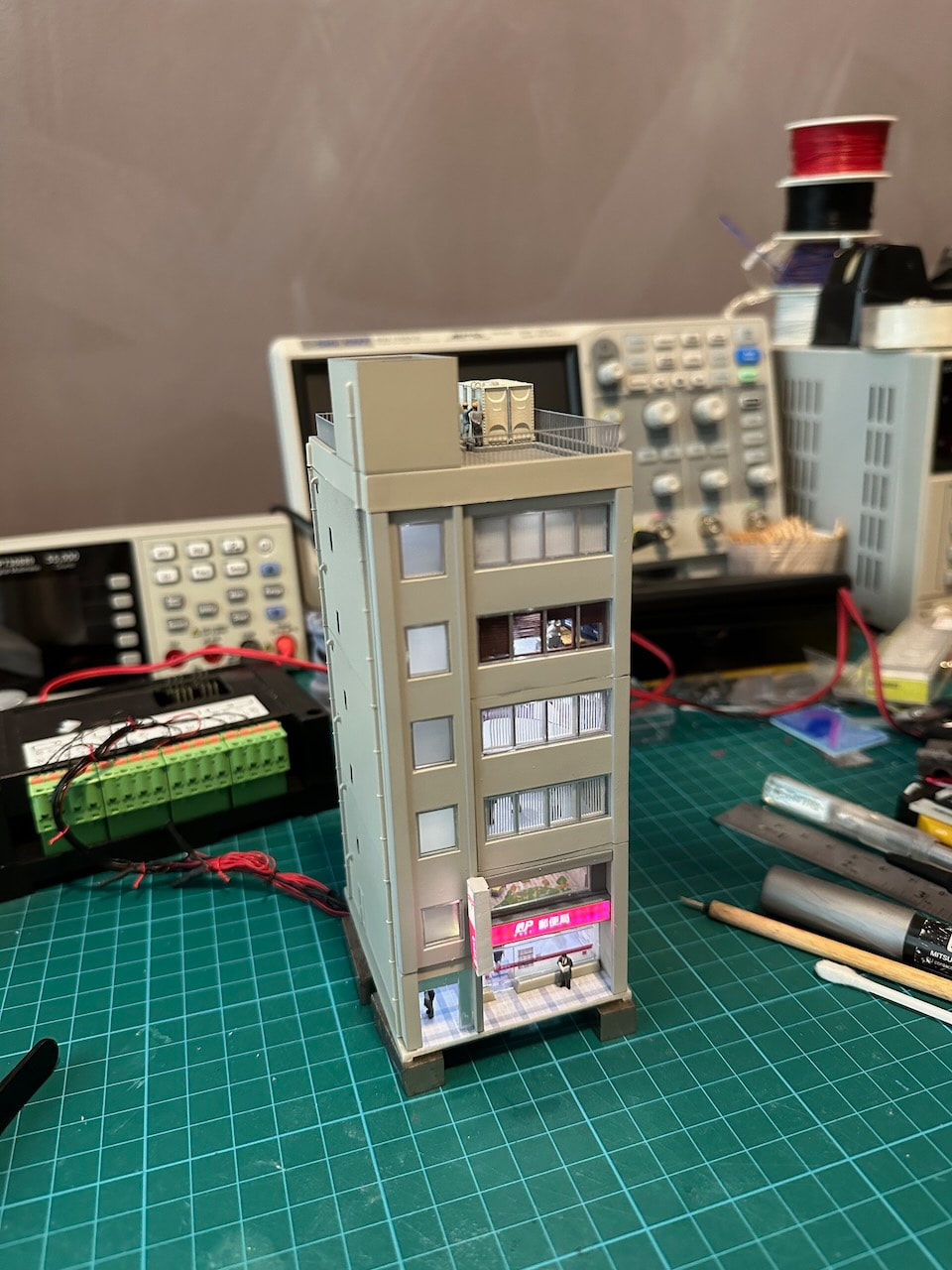
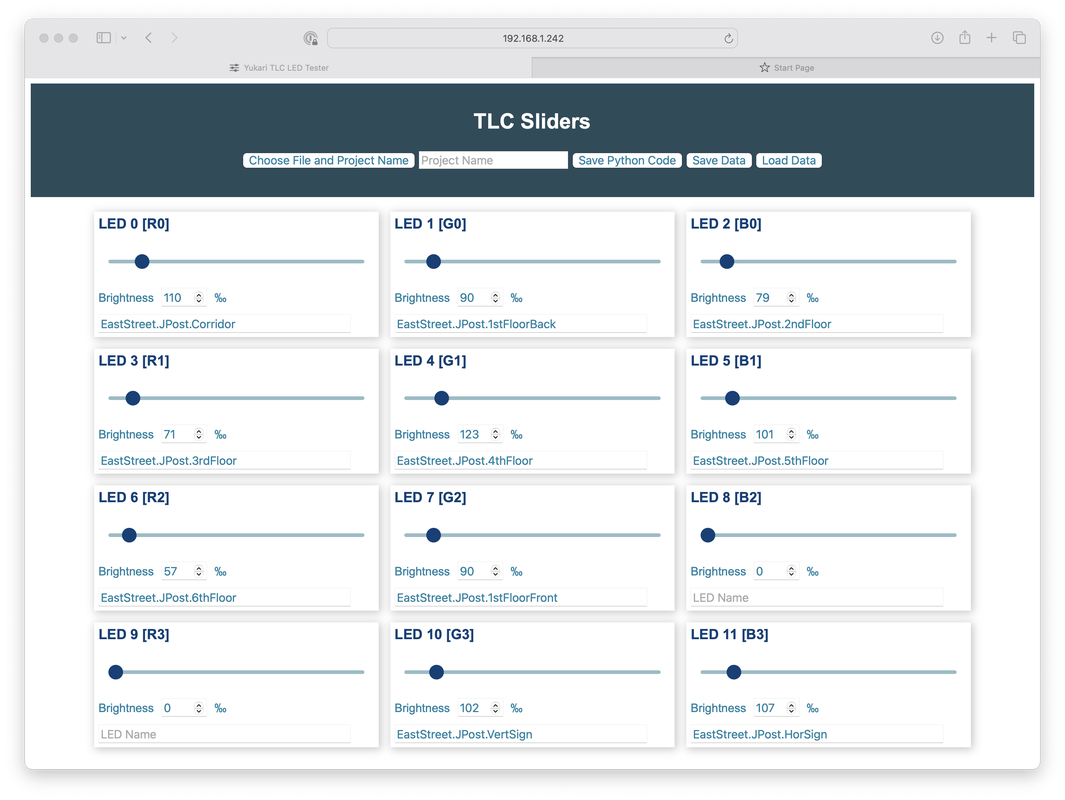
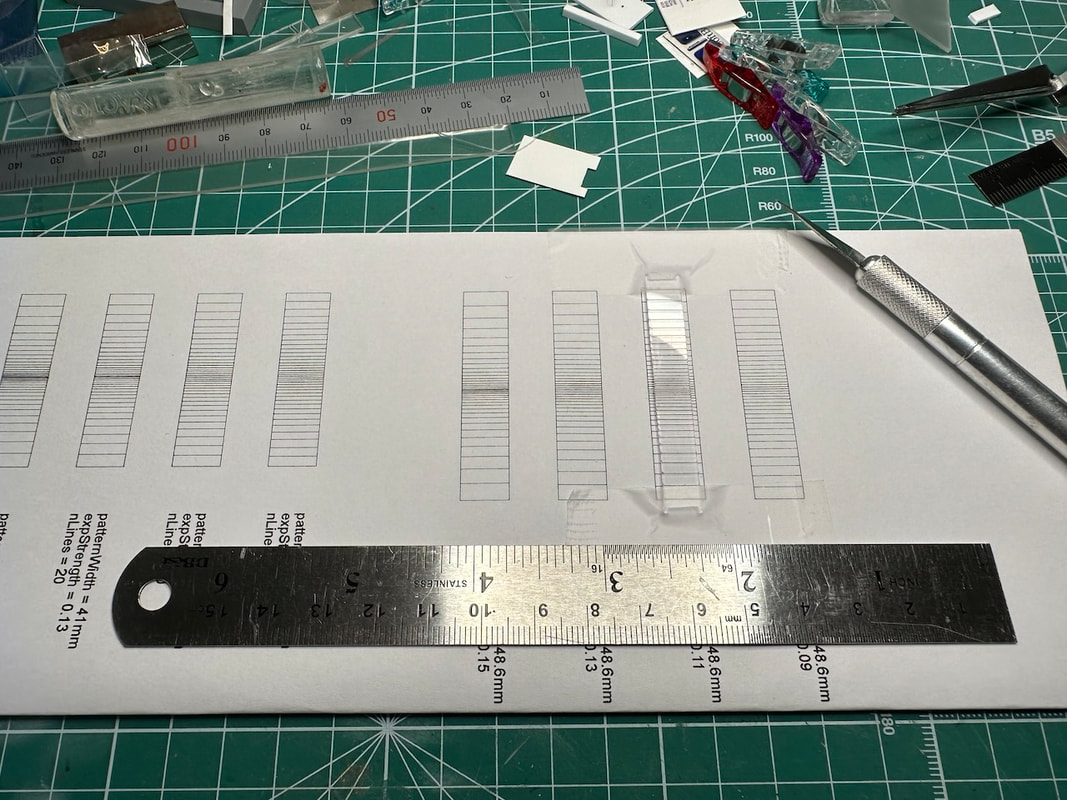
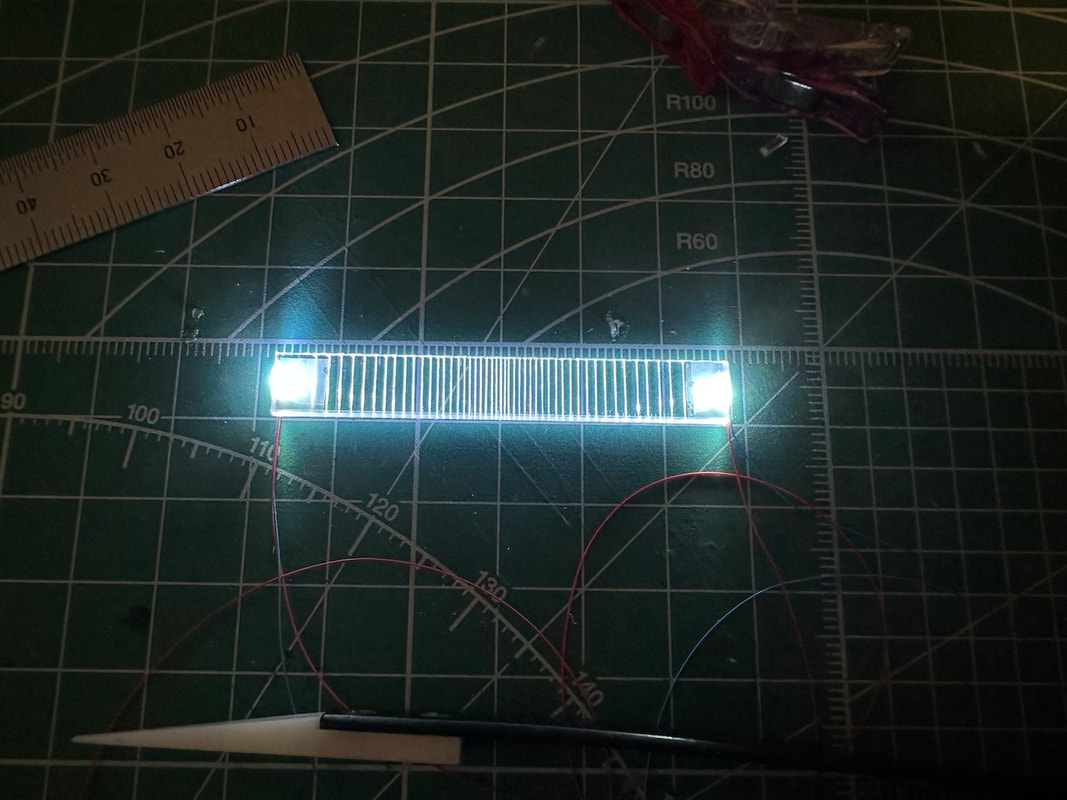
I wanted to try to design and 3D -print catenary poles. I particularly like the modern steel-pipe design, and the section of tracks below required poles with interesting shapes. I've designed the poles in Fusion 360, then printed them on my Elegoo Mars 4 Ultra. It was not easy to get them right, but I like the result. The spectacle shop, step by step construction Lighting the staircase Making of the signboard I have used a new process for the signboards of the Japan Post building. The case has been 3D-printed. The light comes from a new type of COB LED light strip. It is very narrow (2.7mm), can be cut every four LEDs, and the LED density is very high (480 LEDs per meter). It can be purchased from AliExpress here: www.aliexpress.com/item/1005003193200776.html Photos of the detailing process of the JPost building. The window blinds and shutters have been 3D-printed. The second floor of the JPost building is a kindergarten. The top floor windows are made of a sheet of clear/light blue acrylic. The window frames have been painted, then pasted on a sheet or mirror-like tape. Next up: the rooftop details. The electrical cabinets are from Matsuri Models (matsuriyamodel.booth.pm). |
Categories
All
Latest recap videosArchives
January 2026
|


RSS Feed